 Live Beta — free to use during beta. Paid tiers are marked "Free during beta" until monetization launches.
Live Beta — free to use during beta. Paid tiers are marked "Free during beta" until monetization launches.
Live Beta — free to use during beta. Paid tiers are marked "Free during beta" until monetization launches.
Nine things, in plain words. The technical name is in small print under each, for those who want it.
Every AI you use, side by side. Ask one, several, or all of them at once.
folder_specialTell Cockpit what you are working on, and it brings the right helpers.
menu_bookSearch your files by words or by meaning, and get answers that say where they came from.
palettePictures, speech, translations, subtitles, scores, photos and documents, made on your machine.
flightType a goal. Cockpit plans it, does it step by step, and picks up again after a crash.
lockRun AI on your own computer, use free cloud models, and spend only what you choose.
desktop_windowsA real program with its own window, not a browser tab.
smartphoneUse your own Cockpit from your phone. The AI still runs at home.
verified_userBack everything up, check nothing was damaged, and keep your settings if you move.
Looking for the long technical list? Every feature, in detail.
Every AI you use, side by side. Ask one, several, or all of them at once.
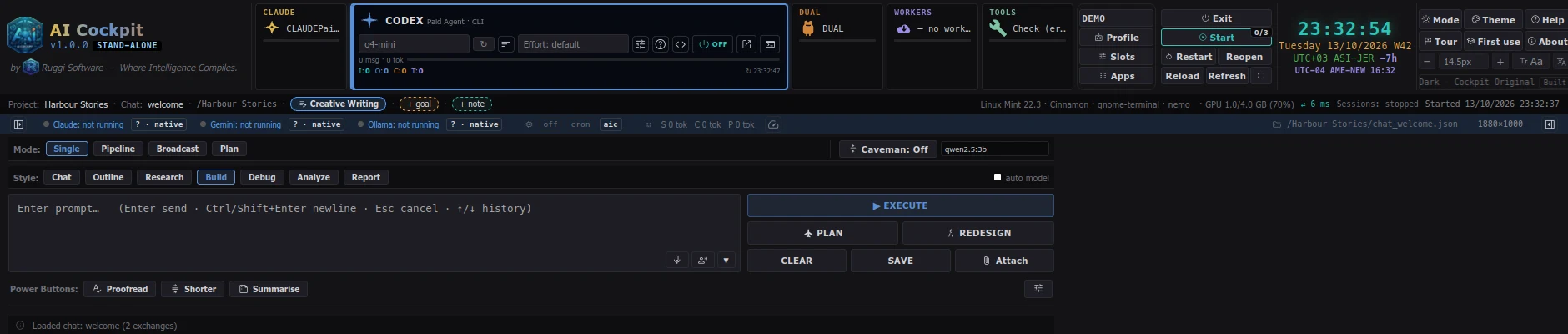
All your AIs side by side; pick one or several for each question.
Technically: Agent cardsAsk one AI, chain several, ask all at once, or let one plan the work.
Technically: Single, Pipeline, Broadcast and Plan modesWatch the answer arrive word by word.
Technically: StreamingA style strip, history, proposals, a summary and a translate button.
Technically: Prompt toolsDrop in a file or paste a picture; Cockpit hands it to an AI that can read it.
Technically: Attachments, image routingEach chat keeps its own history and notes, so a new chat never costs you the old.
Technically: Per-chat historyTell Cockpit what you are working on, and it brings the right helpers.
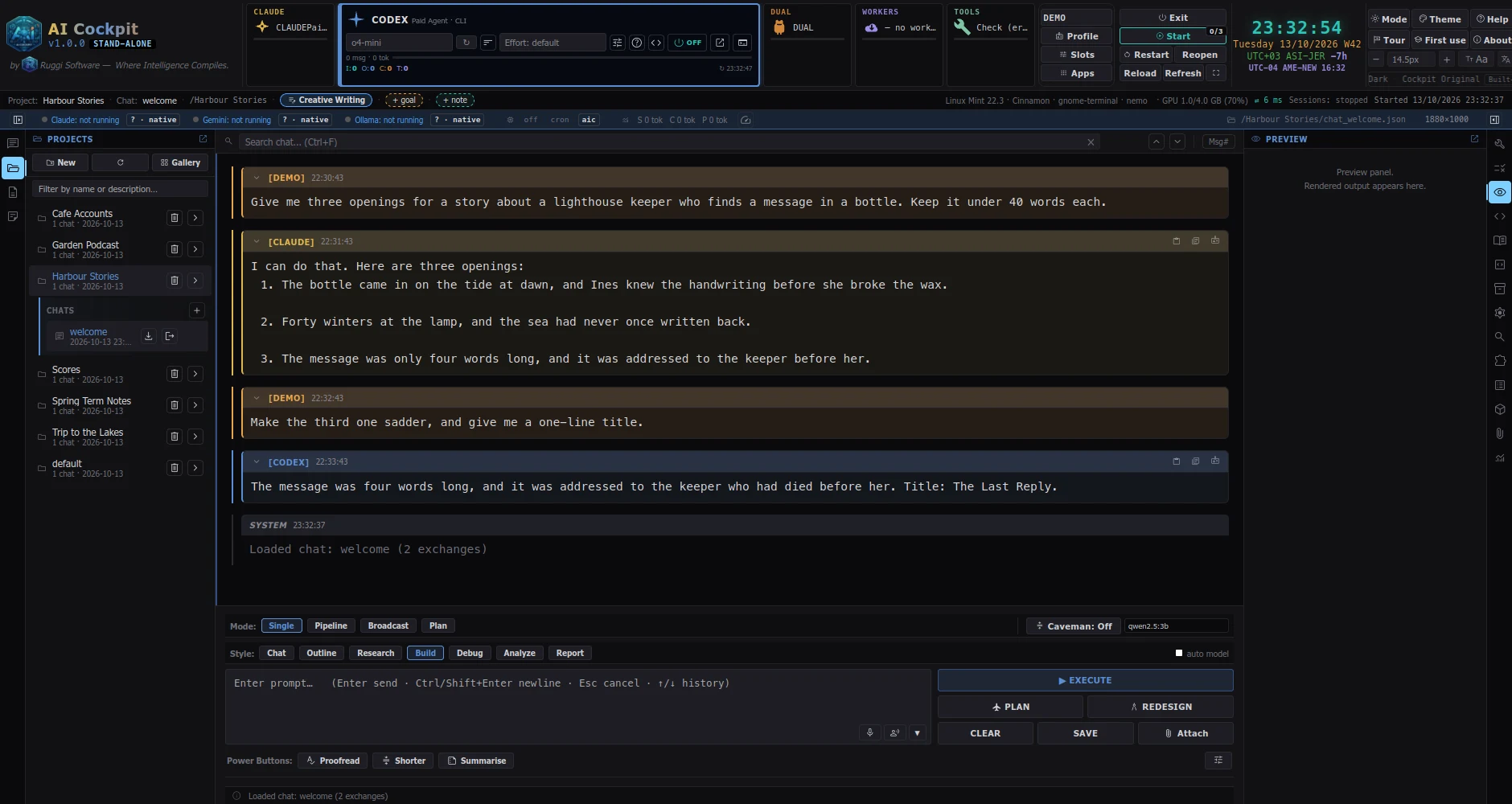
Writing, Translation, Study, Cooking, Collections, Travel, Bookkeeping, Music, Photos, Podcast and more, each with its own helper tools.
Technically: Project kindsMake your own kind in a minute: a name, an icon, a standing note and the tools you want.
Technically: Kind wizardSay once how you like things done in this project; every chat in it follows.
Technically: Standing noteWhere a program can judge the result (a compiler, a validator), the program decides, not the AI.
Technically: Kind toolsSearch your files by words or by meaning, and get answers that say where they came from.
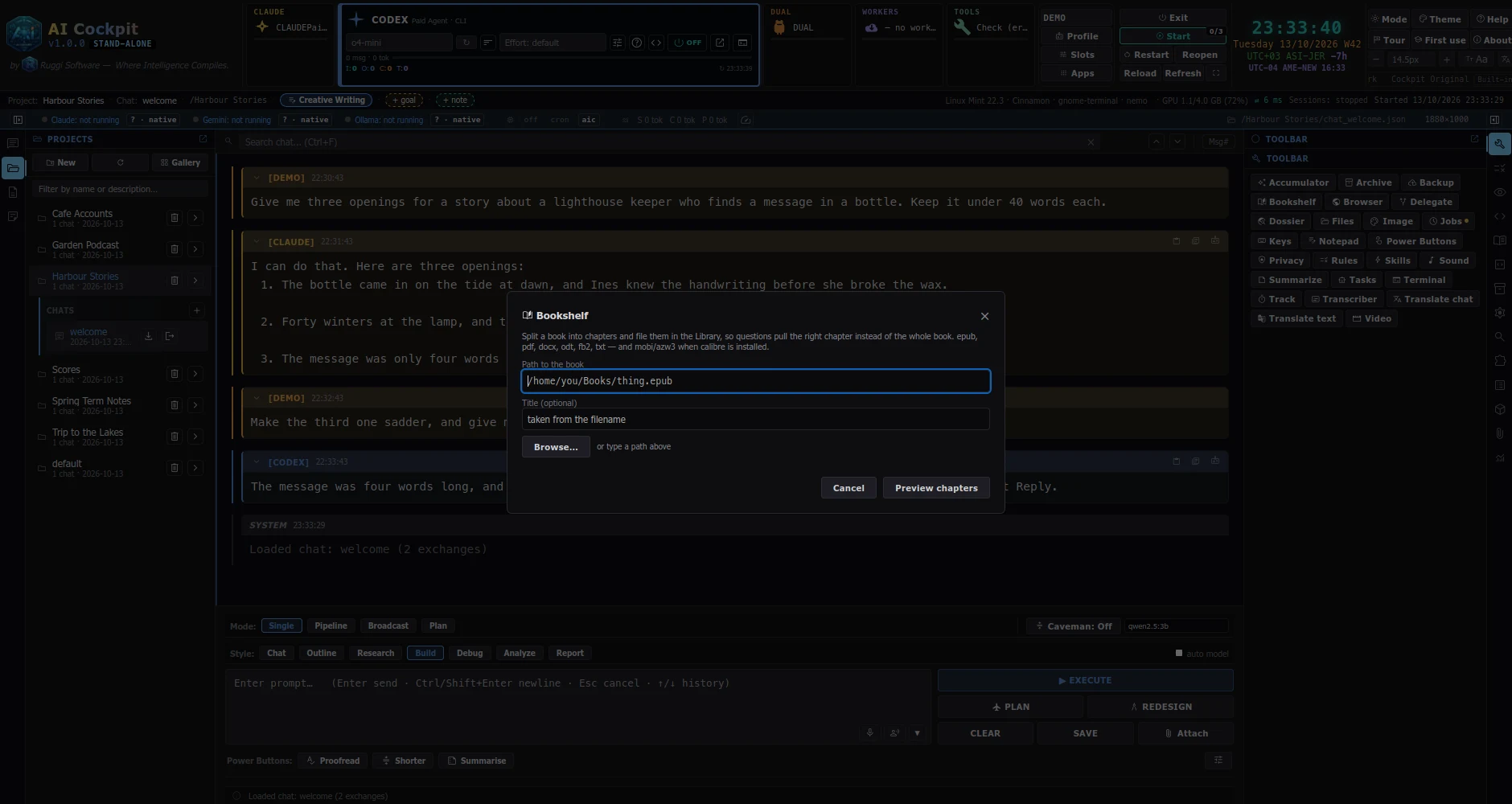
Your own files, searched by words or meaning; the answer points at its source.
Technically: Retrieval, full-text and embeddingsIndex books and big collections and ask them questions, on your computer.
Technically: BookshelfRead page by page with a vision model.
Technically: PDF visionNotes linked to your search, and a notepad that works on a folder.
Technically: Notes, notepadPictures, speech, translations, subtitles, scores, photos and documents, made on your machine.
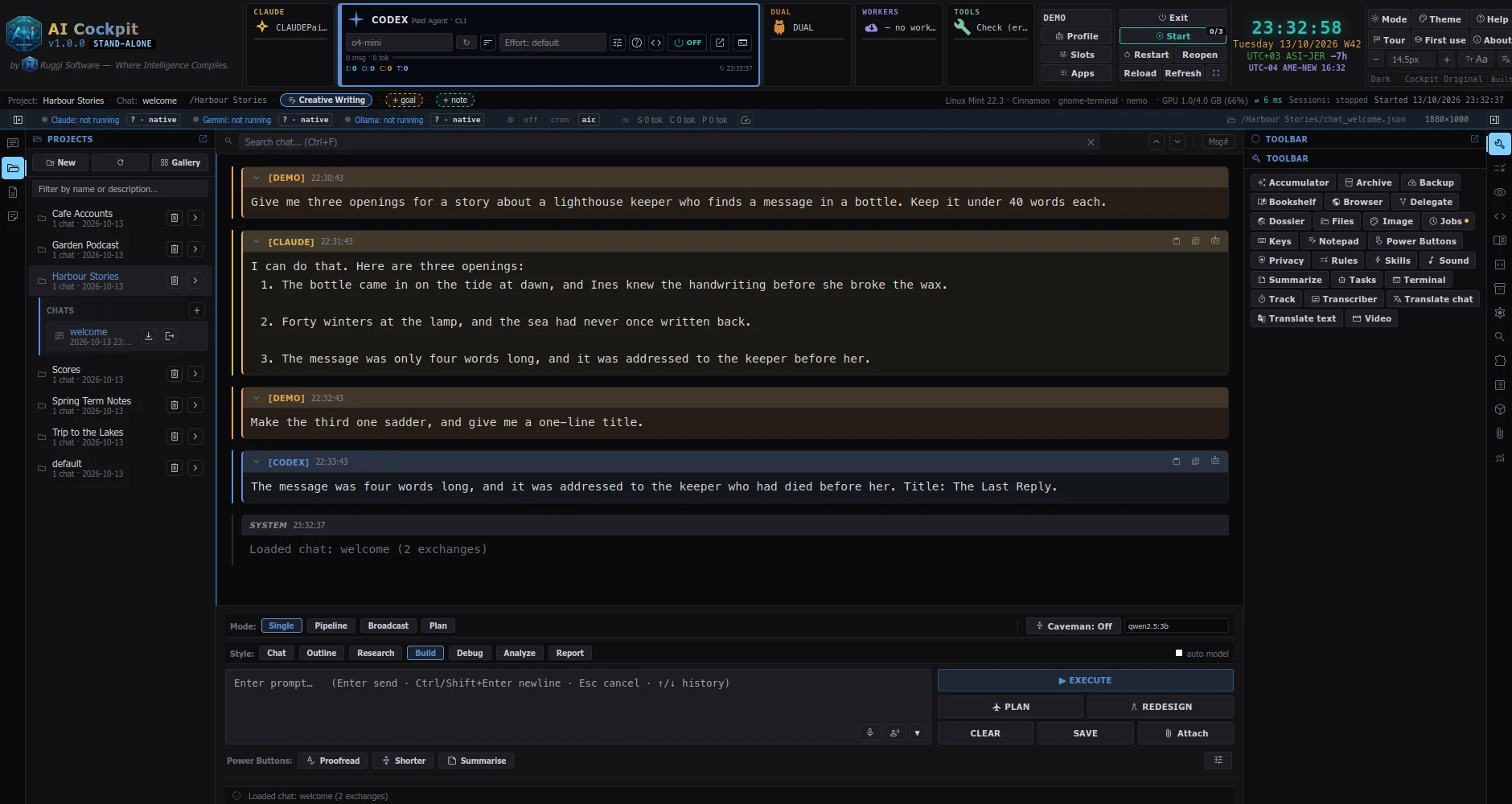
Between many languages, keeping code, links and placeholders intact.
Technically: TranslationGenerated locally; each picture keeps its recipe so you can redo it.
Technically: Image, video and speech generationTranscribe, subtitle, re-time, clean and tag.
Technically: Transcription, subtitlingWrite scores as text, hear and see them, import from other notation programs.
Technically: LilyPond toolsCheck, clean hidden data, resize and find duplicates.
Technically: Photo toolsDocuments, slides, e-books and papers: built, then checked.
Technically: Document toolsType a goal. Cockpit plans it, does it step by step, and picks up again after a crash.
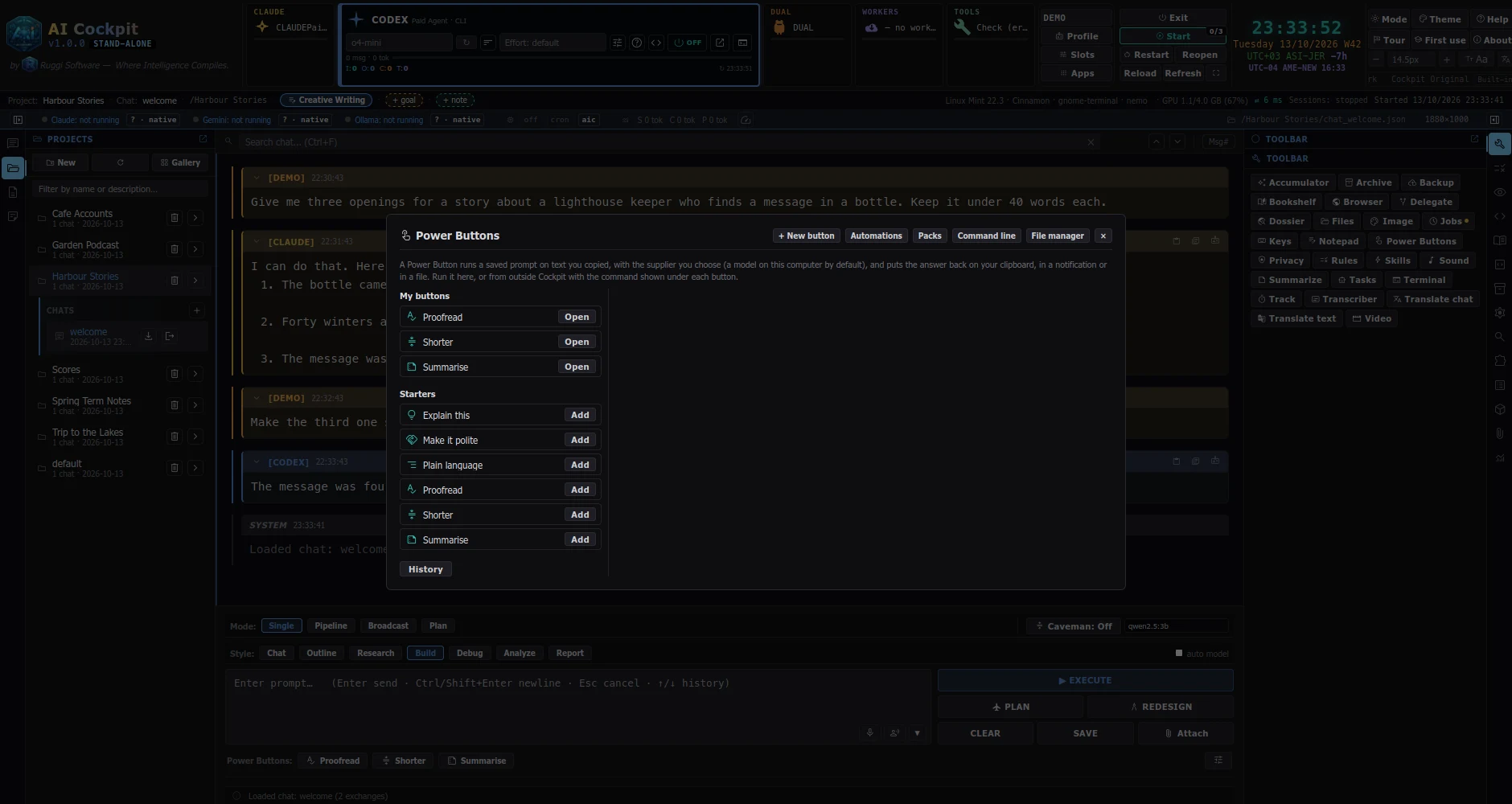
State a goal; it plans, runs the steps, and hands back the result. You clear the one critical moment.
Technically: Durable workflowsYour agents can see each other, vote on answers and hand work on.
Technically: AutoCognitionMulti-agent recipes you can run in one click: 150 free, more with an account.
Technically: Power CombosTell Cockpit once which AI suits which job; it routes the work.
Technically: DelegationA row of buttons runs a saved prompt on what you copied: proofread, summarise, make it polite. From a hotkey, a launcher or the command line too.
Technically: Power ButtonsRun AI on your own computer, use free cloud models, and spend only what you choose.
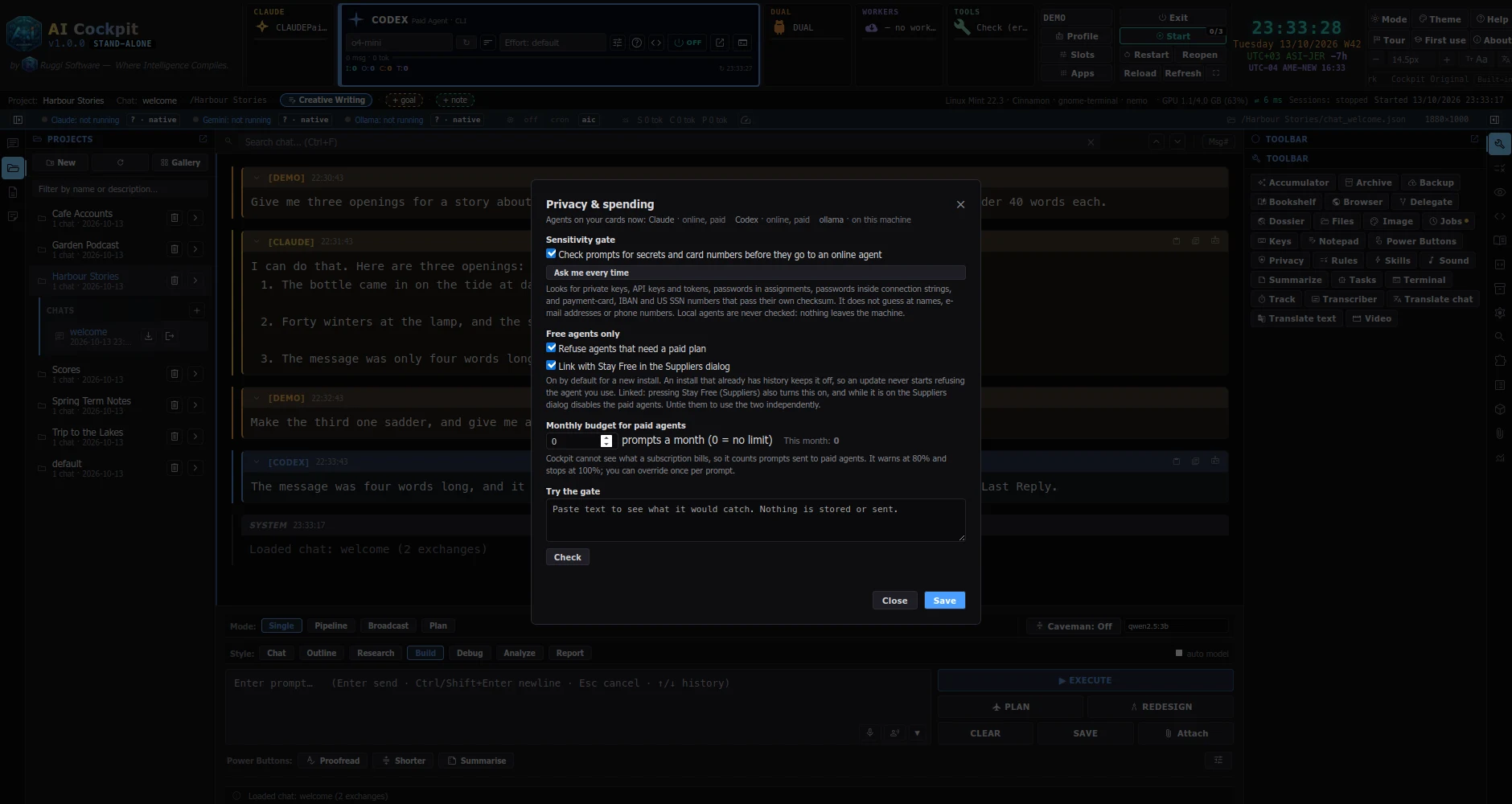
Cockpit tells you what your hardware can run, and sets it up.
Technically: Local models (Ollama)A list of free cloud AIs with a rotation that moves on when one runs out.
Technically: Free workers cascadeUse some AI sites through their own pages; you sign in yourself. These depend on third-party sites and can break when a site changes.
Technically: Web page workersPaid AI only with your consent, a monthly cap and a live meter.
Technically: Spend caps and usage meterAn optional, signed update adds new models and prices without a new version.
Technically: Signed catalog feedWhat stays on your computer, what can leave, and when, in plain words.
Technically: PrivacyA real program with its own window, not a browser tab.
Close it and it exits properly; press Ctrl+Alt+C to summon it from anywhere.
Technically: Native window, tray, hotkeyA browser inside Cockpit; minimised windows wait as chips in the status bar.
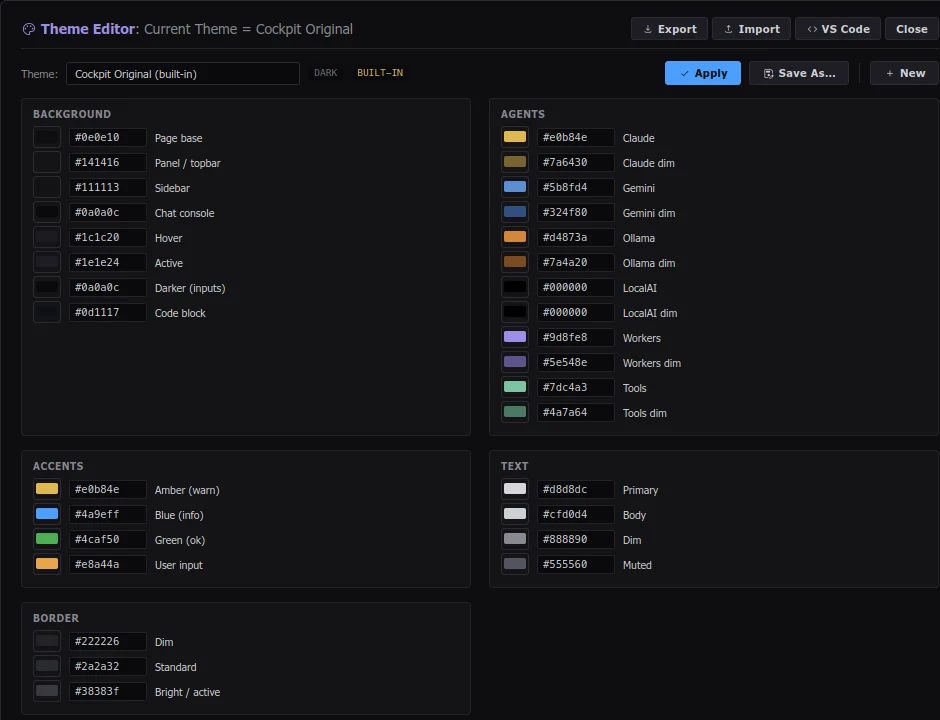
Technically: Cockpit BrowserIncluding colour-blind-safe sets.
Technically: ThemesCockpit speaks English and a growing list of other languages, right-to-left ones included; anyone can add one.
Technically: Language packsPut any panel in its own window, on another screen.
Technically: Detachable panelsTerminal, files, tasks and a notepad, in the same window.
Technically: PanelsUse your own Cockpit from your phone. The AI still runs at home.
Send a question, or press one of your Power Buttons, from your phone; the work runs on your home computer and the answer comes back.
Technically: Everywhere relayBack everything up, check nothing was damaged, and keep your settings if you move.
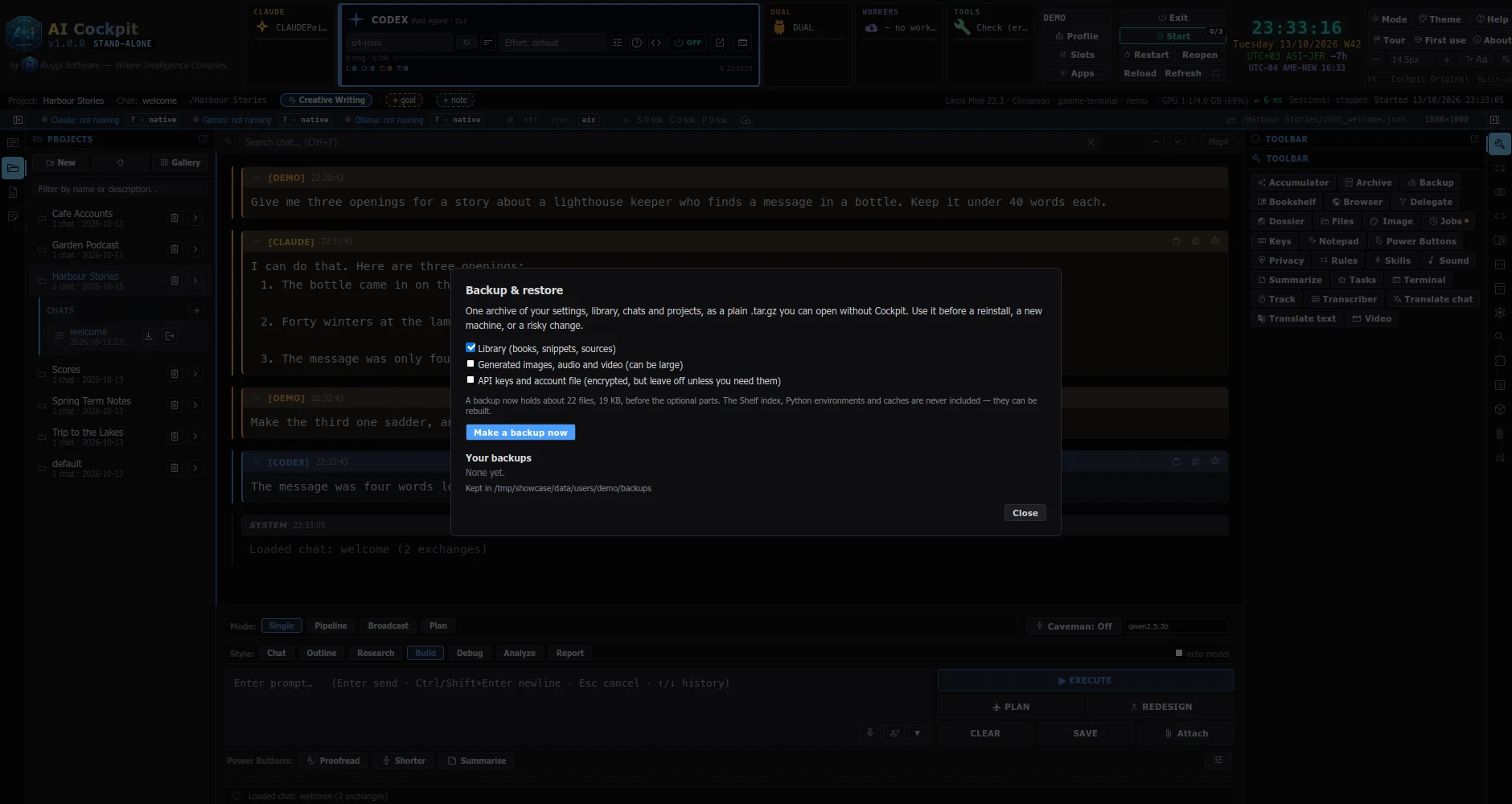
One archive of everything; try a restore into a scratch folder first.
Technically: BackupTells you if a file changed or got damaged.
Technically: Integrity checkRecovery after a reinstall, and the community Marketplace. Skip it with the Stand-alone edition.
Technically: Accounts and recovery