 Live Beta — free to use during beta. Paid tiers are marked "Free during beta" until monetization launches.
Live Beta — free to use during beta. Paid tiers are marked "Free during beta" until monetization launches.
Live Beta — free to use during beta. Paid tiers are marked "Free during beta" until monetization launches.
The live demo runs in your browser: no download, no sign-up. It uses canned answers so nothing is sent anywhere. The real thing runs on your own computer with your own AIs.
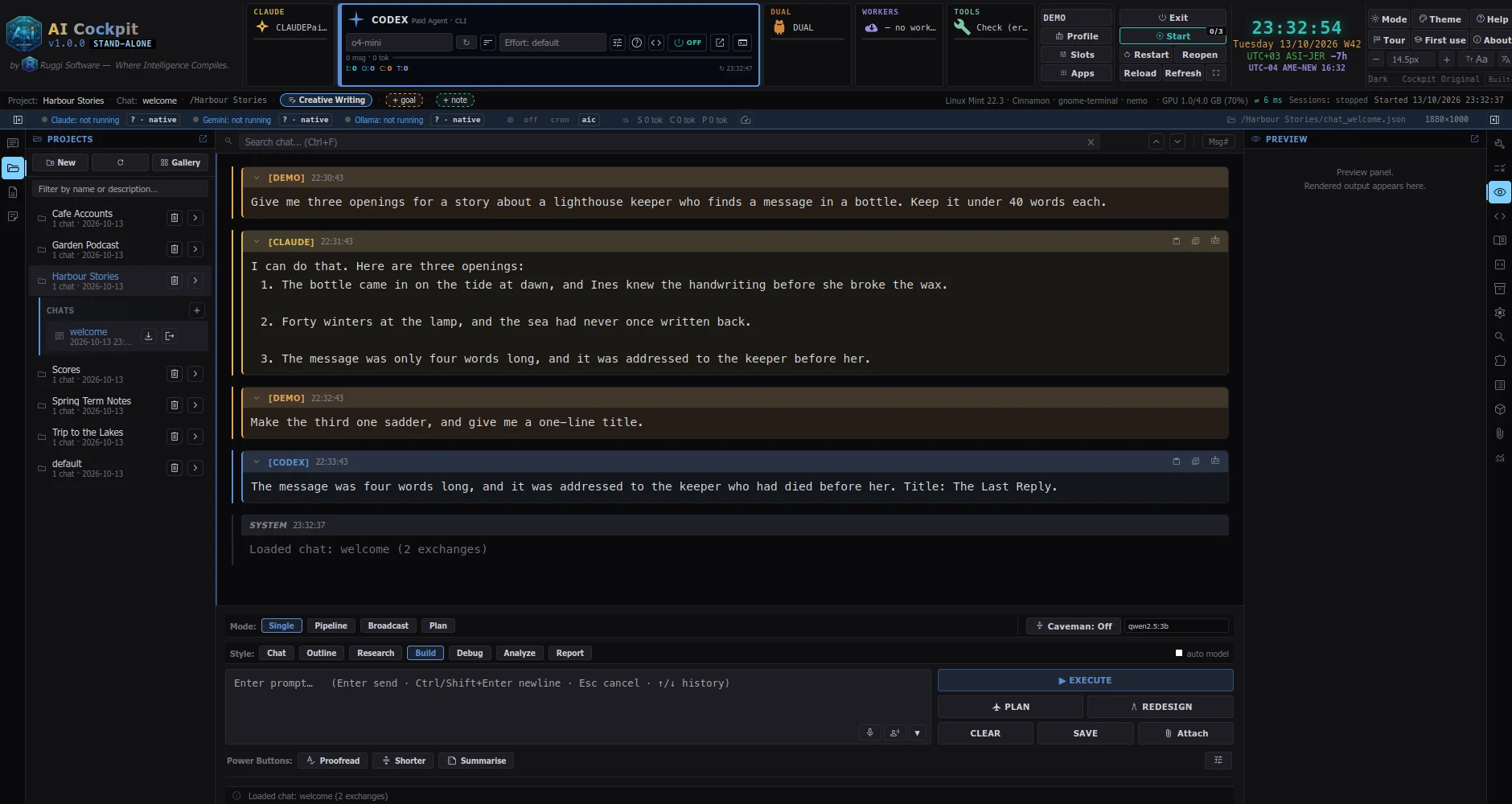
The demo cannot show everything: local models, your own files and the phone remote only exist in the real application.